
Brick Books → Bookkeeping for BrickLink sellers
Bookkeeping for BrickLink Sellers
BrickLink tells you what you sold. Brick Books tells you what you made.
Your orders sync automatically, with goods, postage and fees separated so you can see what each sale actually earned.
Start your 14-day free trial with your own books. No card, no account, and nothing to cancel. Or open the demo, the real program with a made-up seller's books in it. One payment of $79 USD, plus any applicable taxes.
Runs on Windows
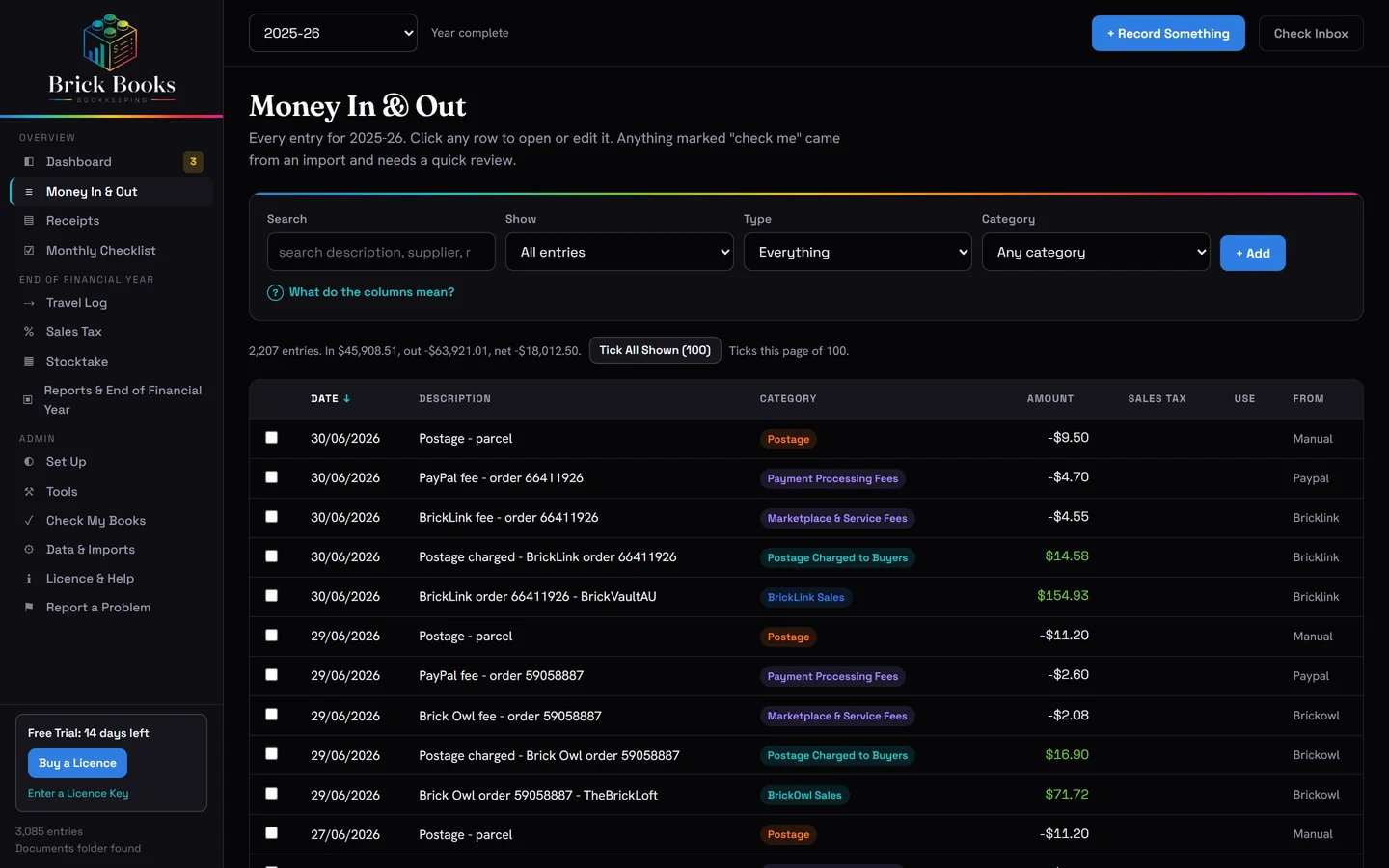
Your Order History Is Not a Set of Books
It does not tell you what each order cost in fees, how much was postage, or what is still sitting on your shelves.
Orders Come In Automatically
Paid BrickLink orders sync automatically, as far back as you choose, including orders that have already been filed or archived.
Categorised Properly
Goods, postage paid by the buyer, BrickLink fees and payment fees are recorded separately, where they belong in your books.
Brick Books Only Reads
Brick Books does not write changes back to BrickLink. It does not alter your listings, prices or inventory, and it does not move any money.
One Order, Properly Recorded
A BrickLink order total is not the same as money in your pocket. Brick Books records each part of the order for what it actually is, so the profit figure means something.
Goods and postage paid by the buyer are recorded as income. Marketplace fees, payment fees and your own postage costs are recorded separately as expenses. Unpaid orders are left out until payment arrives.
Figures from the demo's fictional seller. The postage you paid is its own entry when you post the parcel, and what the parts cost you is handled by the stocktake.
Connecting BrickLink
Four values and one step that catches almost everyone out. Brick Books checks the common mistakes for you.
Register for API Access
Go to BrickLink’s API page and register for access.
You’ll get a Consumer Key and Consumer Secret.
Create an Access Token
Add your current public internet address to BrickLink’s whitelist, then create an access token.
You’ll get a Token Value and Token Secret.
Paste and Test
Paste all four values into Brick Books, then press Test.
The Connecting Guide walks through every step.
Bulk Lots and Part-Outs, Handled
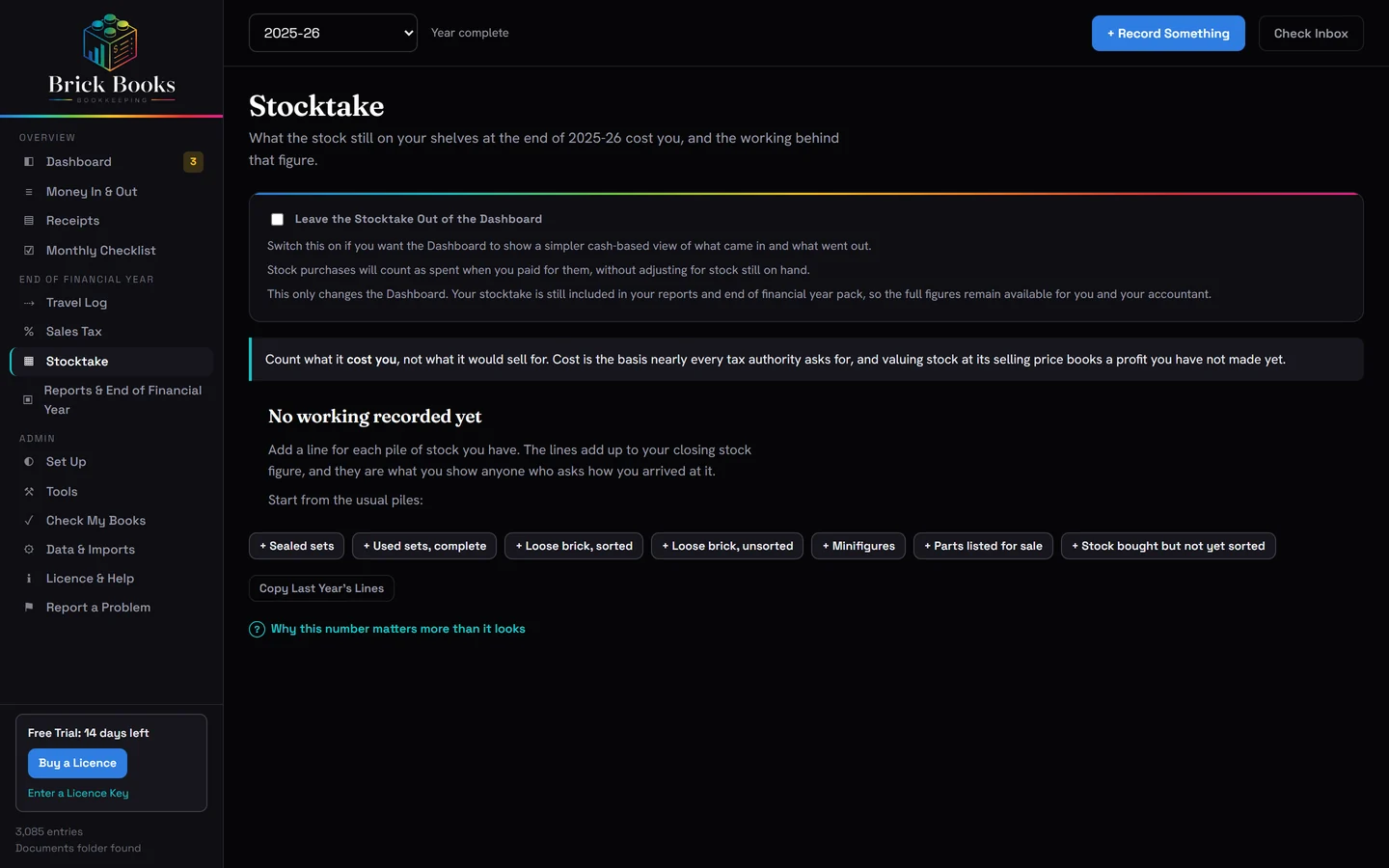
Buying a bulk lot or a pile of sets to part out is not the same as an ordinary running cost. Until those parts sell, the business still owns them.
Brick Books accounts for what is still unsold at year end, so a heavy buying month does not make an otherwise good year look like a disaster. The stocktake guide explains why.
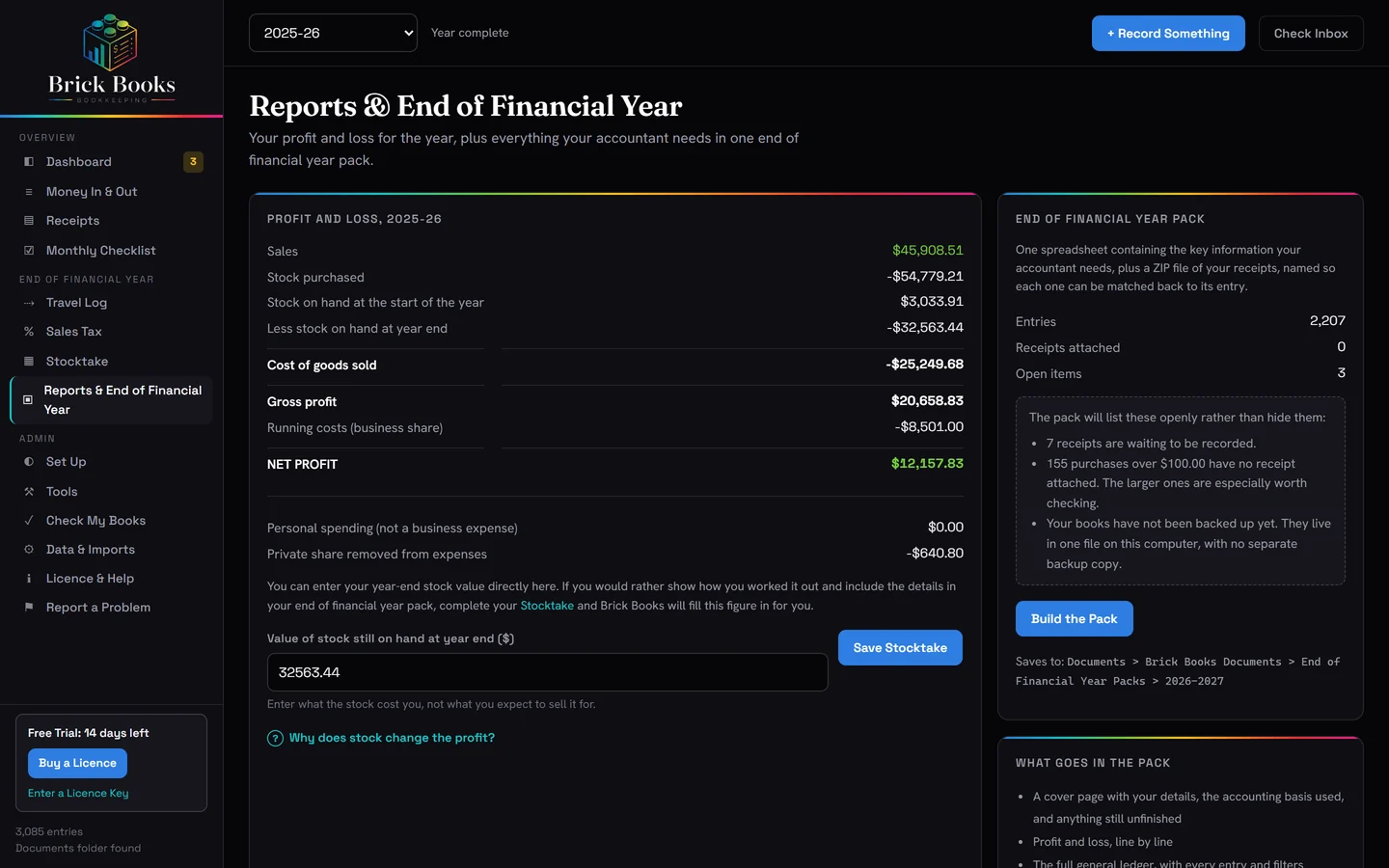
A Finished Year, Ready to Hand Over
One spreadsheet with your profit and loss, trading stock, full ledger and sales by marketplace, plus your receipts, each named to match the entry it belongs to.
Brick Books does not do your tax return. It gets your records ready for whoever does.
More for LEGO® Sellers
Bookkeeping for Brick Owl Sellers
Connect Brick Owl with one API key and bring your orders into Brick Books automatically.
Accounting Software for LEGO® Sellers
See what Brick Books handles, what it leaves to you, and whether it suits the way you sell.
Getting Ready for Tax Time
What your accountant is likely to need, and how to have it organised before year end.
Try It on Your Own Books
14 days with the full program. No card, no account, nothing to cancel.
One payment of US$79 at the launch price, plus any applicable taxes. No subscription.